
Troubleshooting
The bot went quiet, the leads went missing, or the AI sounds like a form — symptom by symptom, here’s the fix
A qualification funnel has few moving parts, so when it misbehaves the cause is almost always one of the five modules — the AI’s knowledge, its qualification setup, its reply settings, the handoff, or the channel. Work through the symptom that matches; each fix is a sentence to the Co-Worker away.
The bot doesn’t reply at all
Check these in order — the first hit is your culprit:
- Is the AI turned on? Ask the Co-Worker: “Is the AI answering on WhatsApp right now?” If it’s off, one sentence turns it on.
- Is the audience narrowed? If the bot was set to answer only leads from ads, it deliberately ignores people who message the number directly — and vice versa. If that’s not what the client wants anymore, tell the Co-Worker to answer everyone.
- Is it in “outside business hours” mode — during business hours? Then the silence is by design: daytime chats are the team’s job. If the team isn’t actually answering, either staff the inbox or switch the bot to 24/7.
- Is the channel still connected? Connections occasionally drop. Check the channel’s page under Settings — if it shows disconnected, Reconnect fixes it in one click.
The bot replies, but vaguely — or makes things up
A bot that says “I’m not sure”, gives generic non-answers, or quotes a price the client never approved has a starving Knowledge Base. The AI can’t know what nobody told it — and it should never be guessing prices from thin air.
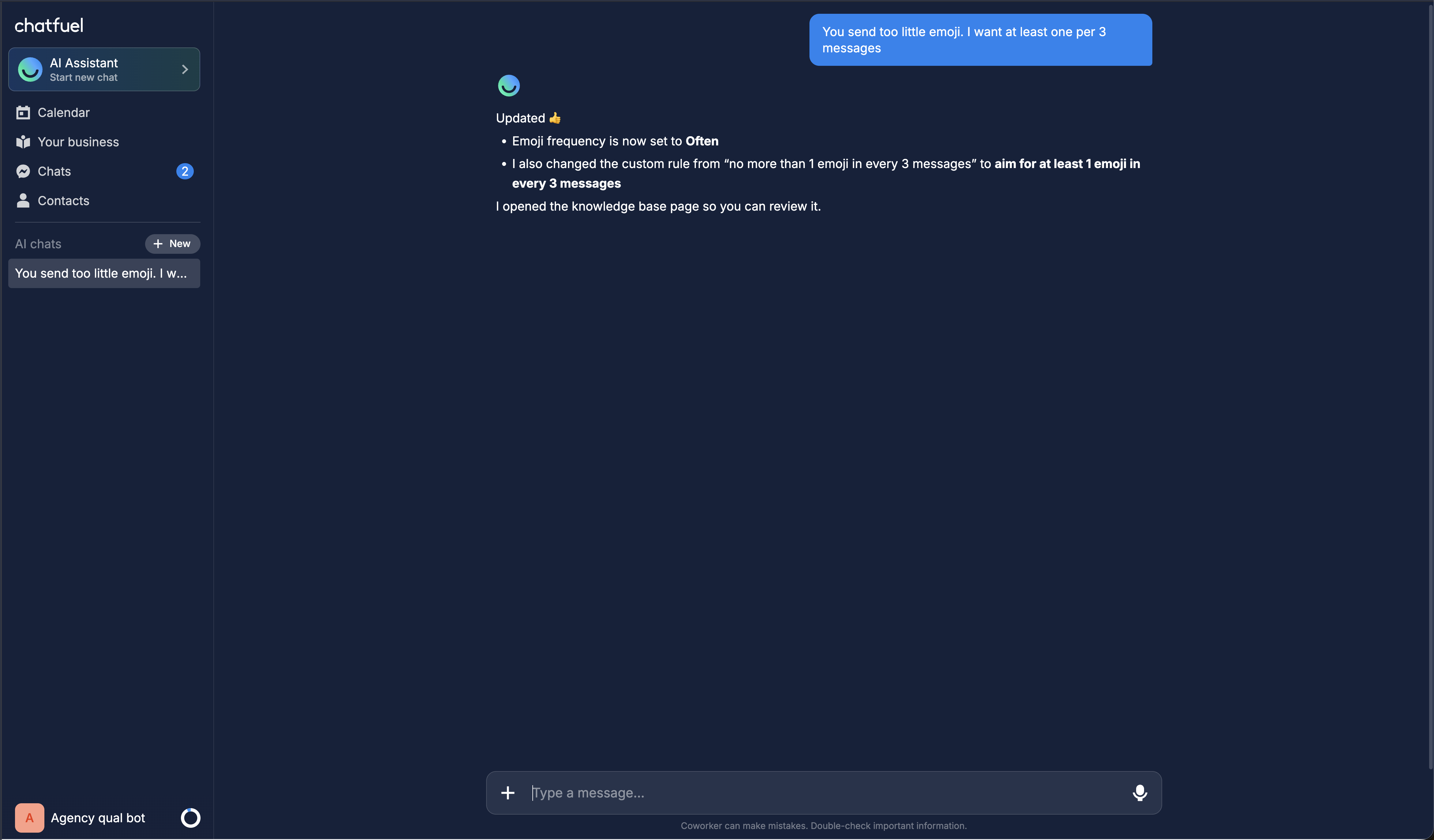
Fix: find the gap and fill it. Ask the bot the failing question in the preview, then give the Co-Worker the missing fact: the service and its real price into the catalog, the policy into the FAQ. Here’s what a complete Knowledge Base looks like. Tone problems work the same way — tell the Co-Worker what’s off (“answers are too long and formal — make them short and friendly”) right while you’re testing.
Qualified leads never reach the client’s team
The bot chats away, leads answer every question — and nothing ever lands in the team inbox. The handoff module isn’t armed: either the switch-to-human setting is off or no rule says when to switch.
Fix: tell the Co-Worker: “Hand the chat to the team once the bot has collected all qualification fields.” Then verify end-to-end — play a lead in the preview, answer all the questions, and confirm the chat lands in the team inbox. If the client’s staff should be picking these up on their phones, make sure they’ve installed the Chatfuel mobile app: it pushes a notification the moment a qualified lead arrives.
The bot dumps every question into one message
“Which district, what budget, and what’s your timeline?” — that’s a form, not a conversation, and leads abandon it. Same family of symptom: the bot opens with “we only work with clients who…” or interrogates like a census taker. The qualification behavior rules aren’t set.
Fix: ask the Co-Worker to redo the qualification setup — it wires in the conversational rules: one question per message, intent first, a “why” before personal questions, WhatsApp-length replies. Re-test in the preview until it reads like chat.
The universal debugging loop
Whatever the symptom: reproduce it in the preview pane, tell the Co-Worker what you saw, apply its fix, re-test. The preview is a free, client-invisible sandbox — nothing you do there touches real leads, so break things freely until the conversation feels right.
Where to next
Know the five modules and you can diagnose anything.
The fix for most “bot sounds dumb” complaints.
How qualification and handoff are supposed to behave.
The reply-mode settings behind half the “bot is silent” tickets.