
Bot modules & blocks — what it’s built from
Bot modules & blocks — what it’s built from
The five parts of a qualification bot — and why you assemble them by talking, not by dragging blocks
Before you build a qualification bot for a client, it helps to know what you’re actually building. In Chatfuel, the bot isn’t a flowchart you draw on a canvas — it’s an AI agent assembled from five modules: what it knows, what it asks, who and when it answers, when it hands over to a human, and which channel it lives on. Get those five right and the funnel works; when something breaks, it’s always one of the five.
The practical difference for your agency: you don’t wire these modules together by hand. You describe the client’s business and rules to the AI Co-Worker in plain chat, and it configures each module for you.
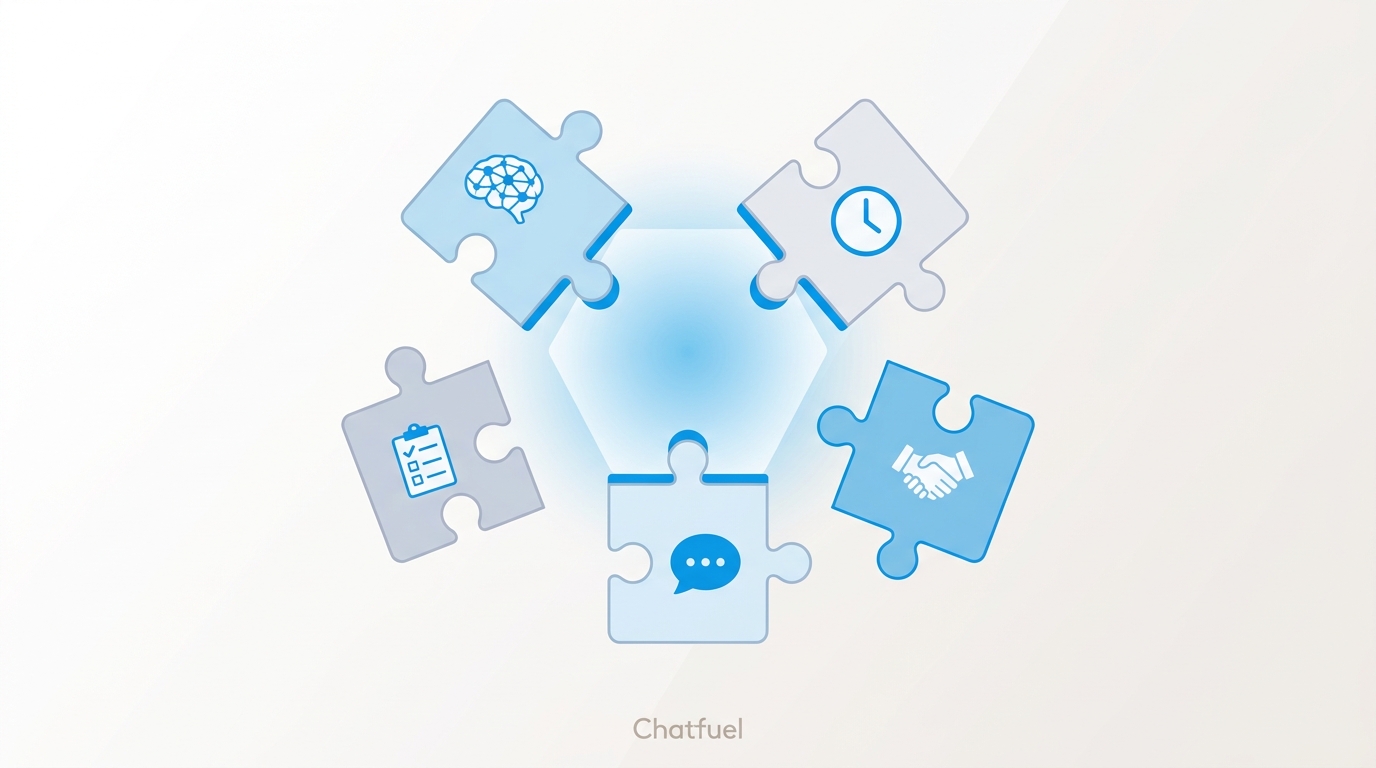
The five modules
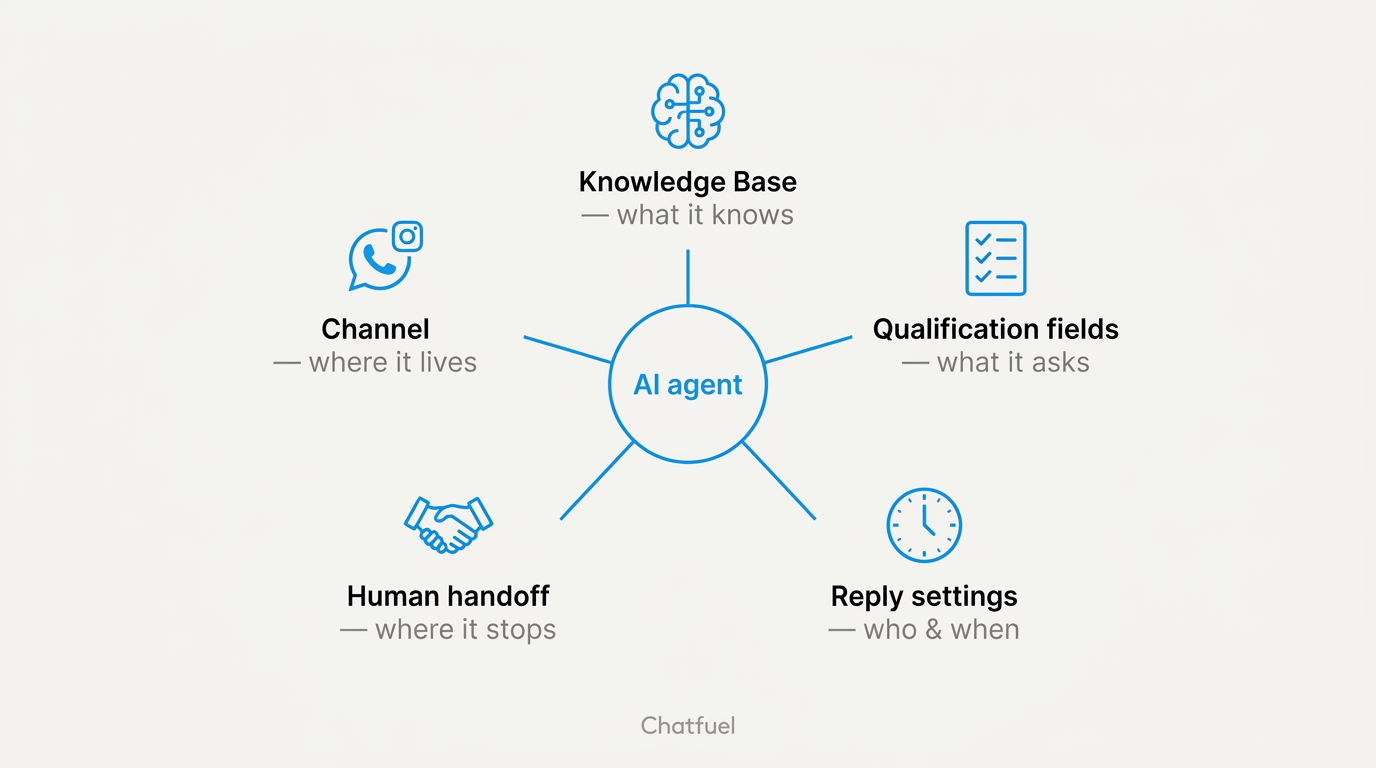
Knowledge Base — what the bot knows
The single biggest quality lever. It holds the client’s business profile (name, hours, address, contacts, payment options), a catalog of what they sell, an FAQ, and instructions on how the bot should talk. A thin Knowledge Base produces a vague bot; a well-fed one answers like the client’s best salesperson. This is where most of your setup time should go — here’s exactly what to feed it.
Qualification fields — what the bot asks
Usually three fields, chosen for the client’s niche: a real estate bot asks district, budget, and timeline; a clinic bot asks service, main concern, and preferred date. The AI weaves these into a natural conversation — one question per message, not a form — and tracks the answers on the lead’s profile. How to pick the right fields.
Reply settings — who and when
Two decisions, both the client’s to make: should the bot answer everyone or only leads arriving from ads, and should it reply 24/7 or only when the client’s team is offline. For a lead-gen funnel the usual answer is “everyone, around the clock” — but there are cases for narrowing both.
Human handoff — where the bot stops
The bot’s job ends when the lead is qualified. A handoff rule then moves the chat to the client’s team inbox, with the collected answers summarized on the lead — and the Chatfuel mobile app pings the phone the moment it happens. That’s the “lead” at the end of your ads → bot → qualification → lead pipeline: a warm, pre-qualified conversation a human picks up mid-flow.
Channel — where the bot lives
Each connected channel in the client’s company — WhatsApp, Instagram, TikTok, the website widget — feeds conversations to the same AI agent. Connect a second channel and the same Knowledge Base, qualification fields, and handoff rules apply there too; you configure the brain once.
One sentence sets up all five
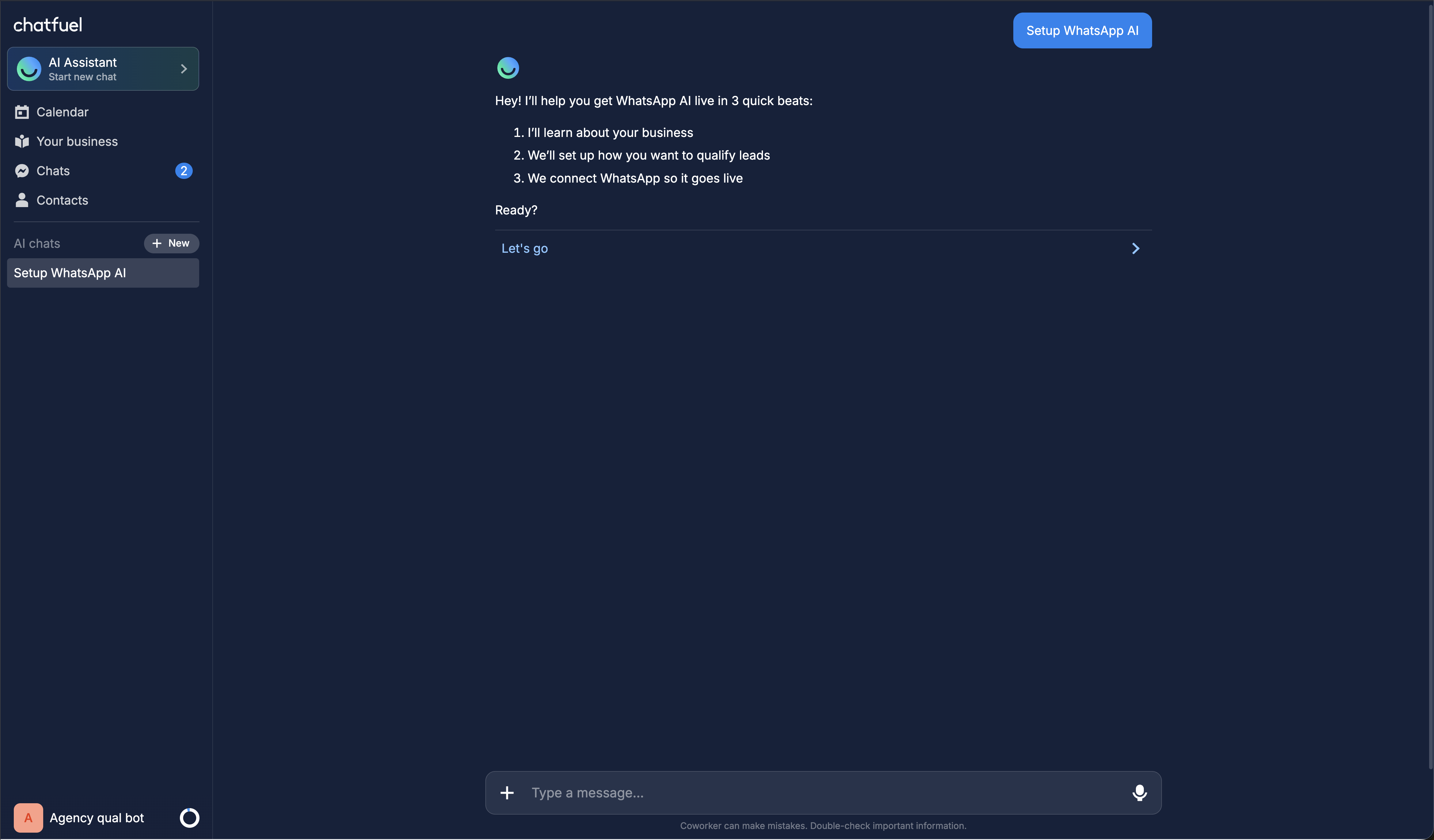
Tell the Co-Worker “Set up WhatsApp” and it walks you through every module in one guided session: it learns the business, proposes qualification fields tailored to the client’s niche, turns the AI on, arms the handoff, and lets you test the bot live in the preview pane before anything reaches a real lead. The channel-connection step at the end is the only part you finish by hand.
Where to next
Fill the Knowledge Base — the module that decides how smart the bot sounds.
Pick the three questions that separate a lead from a browser.
Decide when the bot answers and when the client’s team does.
See where these modules sit in the ads → bot → lead pipeline.