
Uploading info about the client's business
The bot is exactly as smart as the Knowledge Base you feed it — here’s what to collect from the client and how to load it
Every disappointing AI bot has the same root cause: nobody told it anything. The Knowledge Base is where the client’s business lives inside Chatfuel — and filling it well is the highest-leverage hour of the whole setup. A bot with a rich Knowledge Base quotes real prices, answers real objections, and sounds like the client’s best salesperson. A bot with an empty one says “I’m not sure” until the lead leaves.
For an agency this is a two-step job: collect the information from the client during onboarding, then load it into the client’s company in Chatfuel.
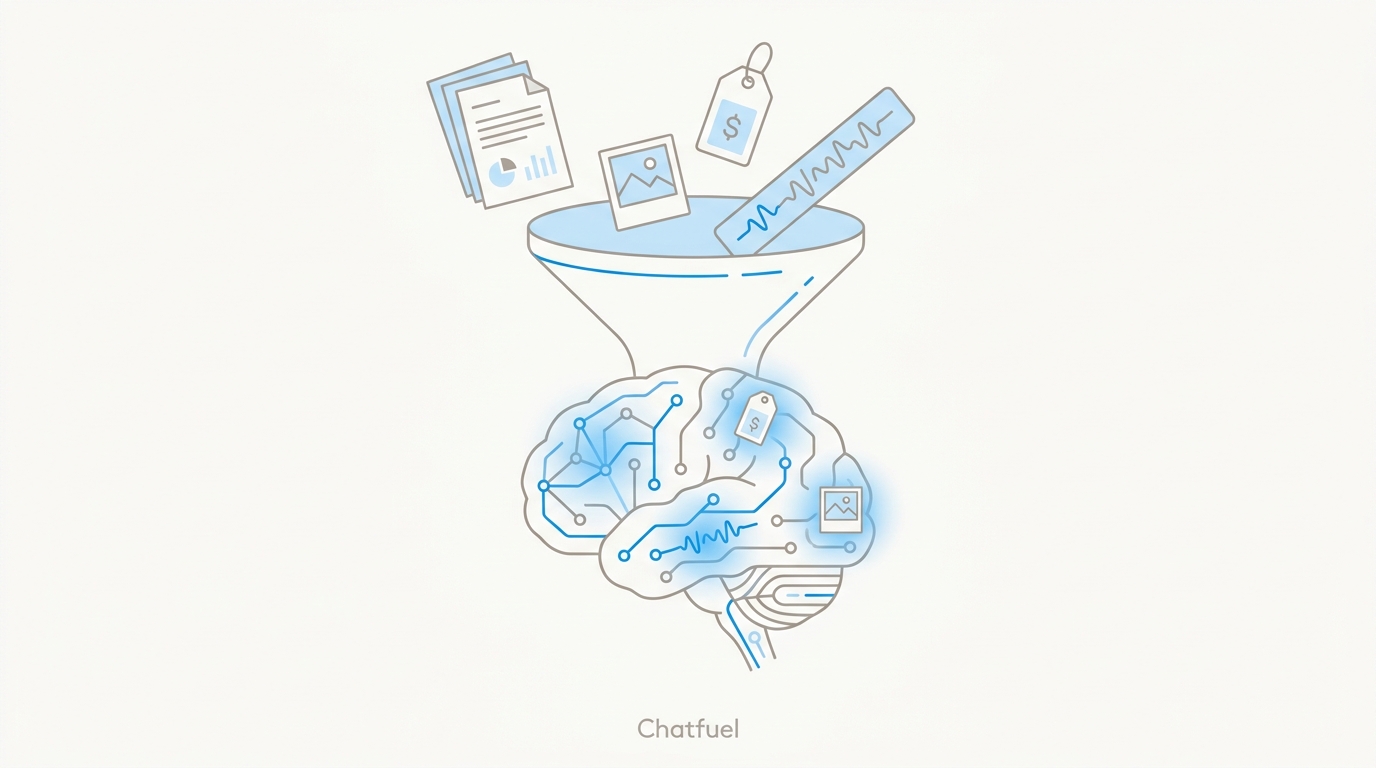
What the Knowledge Base holds
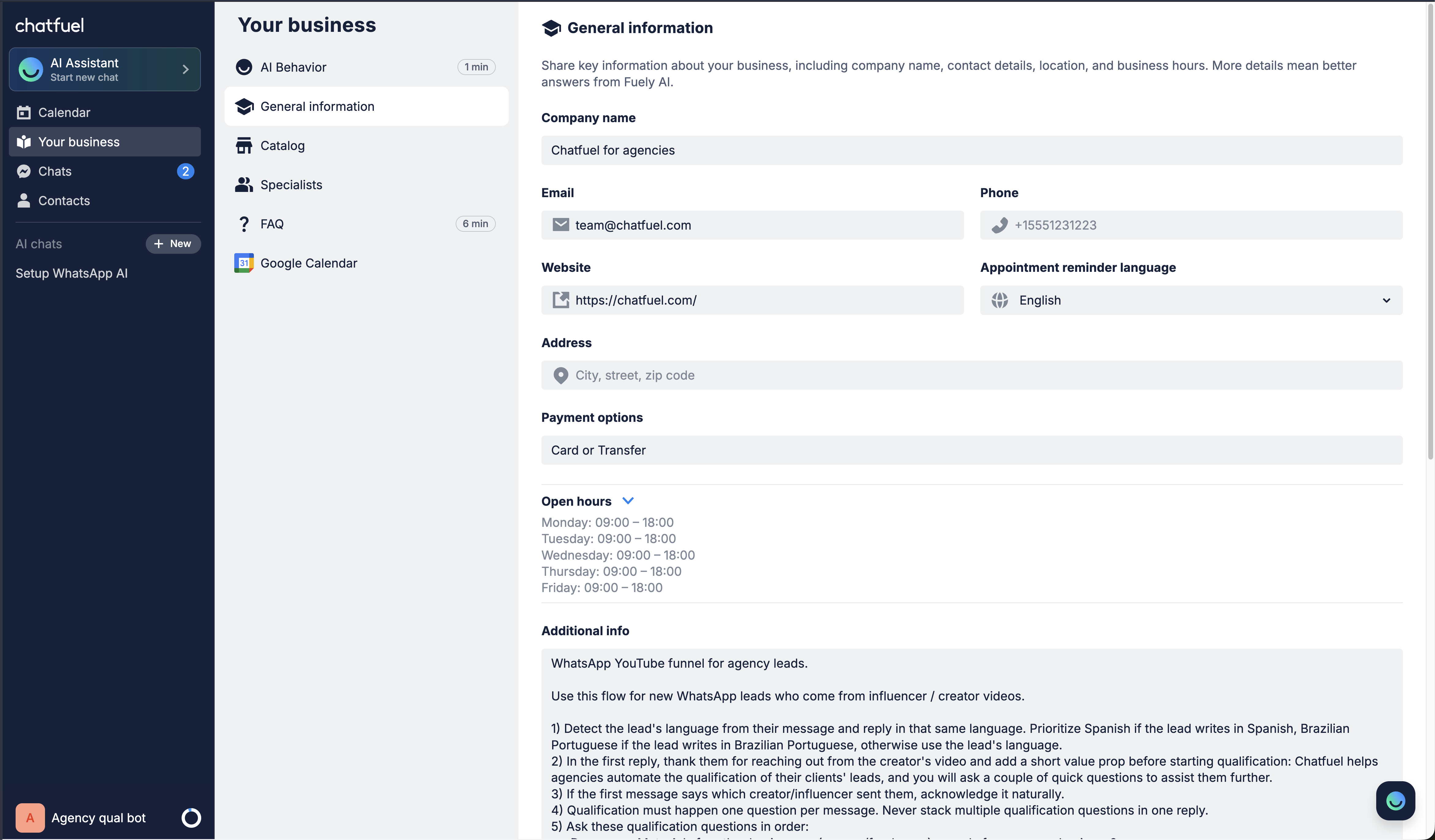
- About the company — name, business hours, address, phone, email, website, payment options, and a short description. The identity facts the bot states with confidence.
- Catalog — the services or products, each with a name, description, and price. Keep it focused: under ~50 items, only what the client actually wants leads to ask about. The bot should never invent a price — if it’s not in the Catalog, it’s not quotable.
- FAQ — question–answer pairs for what leads actually ask: deposits, cancellations, delivery, parking, “do you work weekends”. Short answers, 1–3 lines each, phrased the way customers phrase them.
- Behavior instructions — how the bot should talk and act: its role, tone, and any rules of the house (“always offer a free consultation before quoting renovation work”).
Each piece has its place. Prices belong in the Catalog, not in the instructions; policies belong in the FAQ. Duplicating content across sections makes the bot inconsistent — one fact, one home.
Step 1 — collect it from the client
Send the client a short questionnaire as part of onboarding, alongside the access checklist. What you need:
- Company basics: name, hours, address, phone, email, website, payment methods.
- Their top 5–15 services or products with current prices.
- The 10–25 questions their staff answers every single day — ask the person who runs their WhatsApp today; they know.
- House rules: what the bot should always offer, never promise, and when a human must take over.
- Tone: how they talk to customers — formal, friendly, emoji or no emoji.
The client answering in a voice memo is fine — you don’t need a polished document, you need the facts.
Step 2 — load it into Chatfuel
Open the client’s company and hand the AI Co-Worker what you collected — by text, by forwarding a voice note, or by attaching files and images: a price list PDF, a brochure, a menu photo, a screenshot of the client’s old FAQ page. The Co-Worker extracts the information and generates the Knowledge Base from it, filing everything into the right sections and confirming what it saved:
- “Add my business hours, address, and top 10 FAQs to the knowledge base.”
- “Add a new service to the catalog: gel manicure, $35, 45 minutes.”
- “Update the business hours in the knowledge base.”
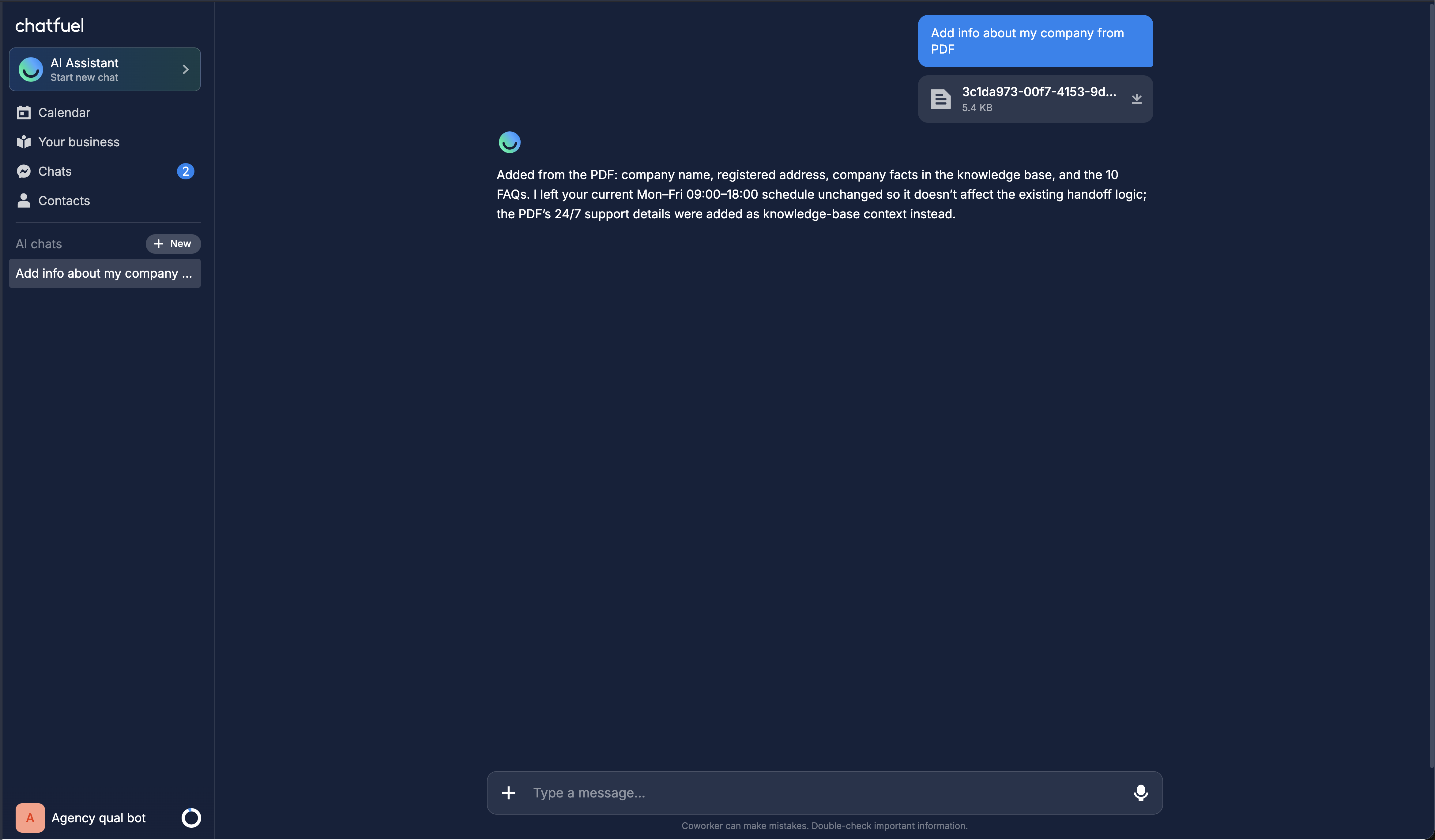
Prefer to see the data? The Knowledge Base section in the left sidebar shows every section as editable fields — changes take effect in new conversations immediately. And if you start with the “Set up WhatsApp” onboarding, its first step is exactly this: the Co-Worker shows what it already knows about the business and asks you to fill the gaps.
Test it like a lead would
Before the client ever sees the bot, interrogate it in the preview pane: ask for prices, opening hours, the tricky FAQ cases. Wherever it stumbles or improvises, the Knowledge Base has a gap — add the missing fact and ask again.
This isn't a one-time upload
Prices change, services come and go, new questions appear in real chats. Put a monthly Knowledge Base review into your client-maintenance routine: refresh the catalog, add FAQs for questions the bot answered badly, prune what’s outdated. A stale bot quoting last season’s prices costs the client trust — and costs you the retainer.
Where to next
Where the Knowledge Base sits among the bot’s five modules.
Now teach the bot what to find out from every lead.
Bundle the questionnaire with the access checklist — one onboarding email.
Bot answering vaguely? It’s almost always a Knowledge Base gap.