
Tuning ads with funnel data
Ads Manager tells you what’s cheap; the funnel tells you what’s worth it — the weekly kill / scale / refresh loop that compounds
Ads Manager tells you which ads are cheap. Only the funnel tells you which ads are worth it — and those are different lists more often than not. Tuning ads with funnel data means making every kill, scale, and refresh decision on what happened after the click: the qualification rates, the junk share, the deals that closed. Agencies that run this loop don’t just perform better; they can explain their decisions to clients, which is half of what a retainer buys.
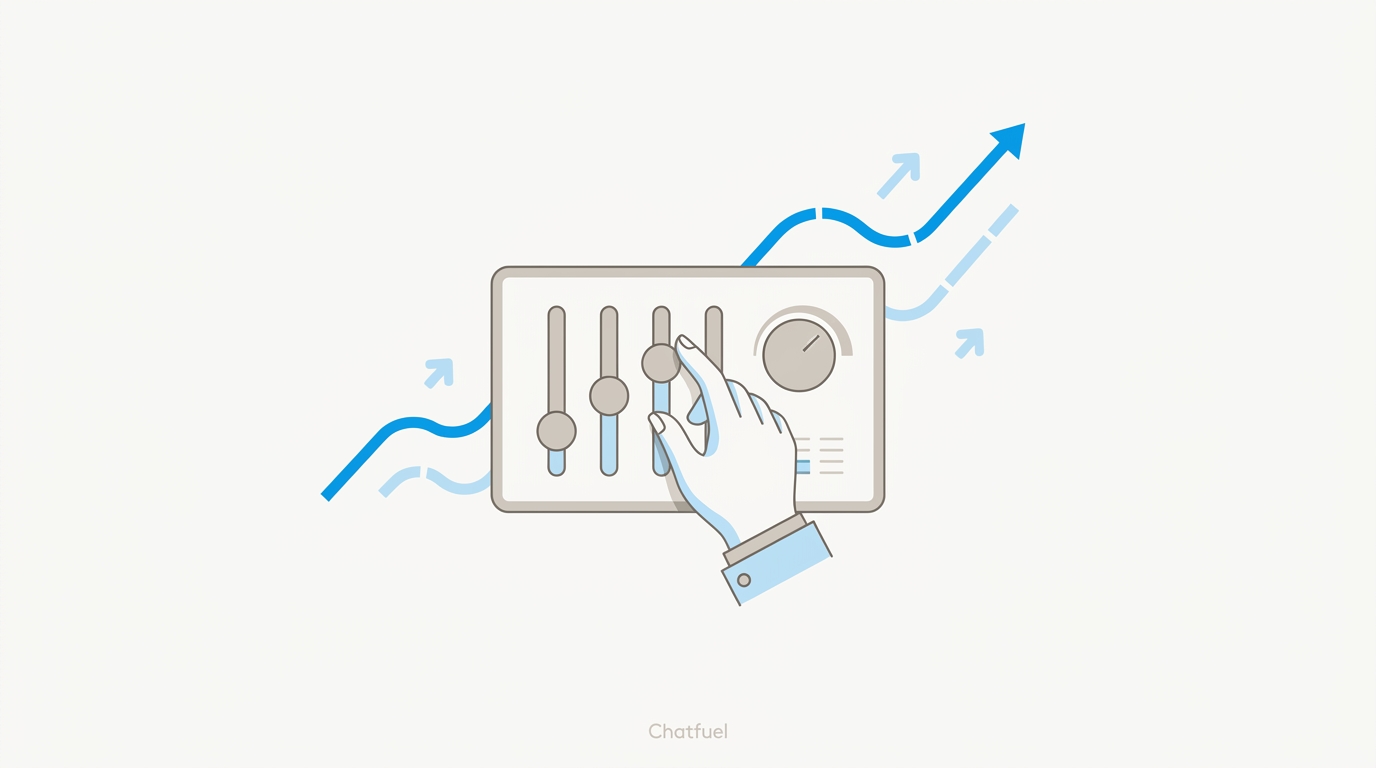
The signal: CPQL, not CTR
CTR and cost per conversation are early diagnostics — useful for spotting a broken creative, useless for judging a campaign. The decision metric is cost per qualified lead: spend from Ads Manager divided by the qualified count from Chatfuel. An ad set that Meta’s auto-optimization loves for its cheap conversations can be your worst performer per real lead, and vice versa. The rule that follows: never kill or scale on Ads Manager numbers alone; always join them with the funnel first.
Kill, scale, reallocate
The playbook seasoned media buyers converge on, with the funnel supplying the verdicts:
- Reallocate weekly. Once a week, rank ad sets by CPQL and shift budget toward the cheapest qualified leads. Weekly is the sweet spot — daily reshuffling chases noise, monthly ships a full budget cycle to a known loser.
- Scale in steps of 20–30%. Doubling a winner’s budget overnight resets Meta’s learning and often kills the very performance you’re scaling. Raise in increments, let delivery stabilize, repeat.
- Kill cleanly. When an ad set’s CPQL runs well above its siblings for a full week — or its leads qualify but never close — cut it and move the budget the same day. Starving a loser slowly just buys worse results on a longer schedule.
- Diagnose before you kill. A suddenly expensive ad set isn’t always a bad ad — check the troubleshooting map first; sometimes the leak is the CTA, the number linked, or the bot, not the creative.
Creative fatigue: the refresh trigger
Every creative wears out — the audience has simply seen it. The signals, in the order they usually appear:
The traditional problem with fatigue was that knowing you need fresh creatives didn’t make them exist — a designer round-trip per variation meant agencies knowingly ran tired ads for weeks. That constraint is gone: tell the Co-Worker what angle to try and a fresh batch of variants is rendered in minutes, grounded in the client’s actual offers. When refreshing costs minutes instead of days, you rotate on the data’s schedule, not the design queue’s.
The weekly loop
The whole system, as a repeatable circuit per client:
- Pull the funnel — “business report”, “show conversion funnel”, this month’s qualified counts and junk breakdown from the Co-Worker.
- Compute CPQL per ad set — spend from Ads Manager over qualified from Chatfuel.
- Decide in Ads Manager — reallocate to the CPQL winners, scale in 20–30% steps, kill the confirmed losers.
- Refresh what’s fatiguing — new variants from the Co-Worker, informed by what leads actually said this week.
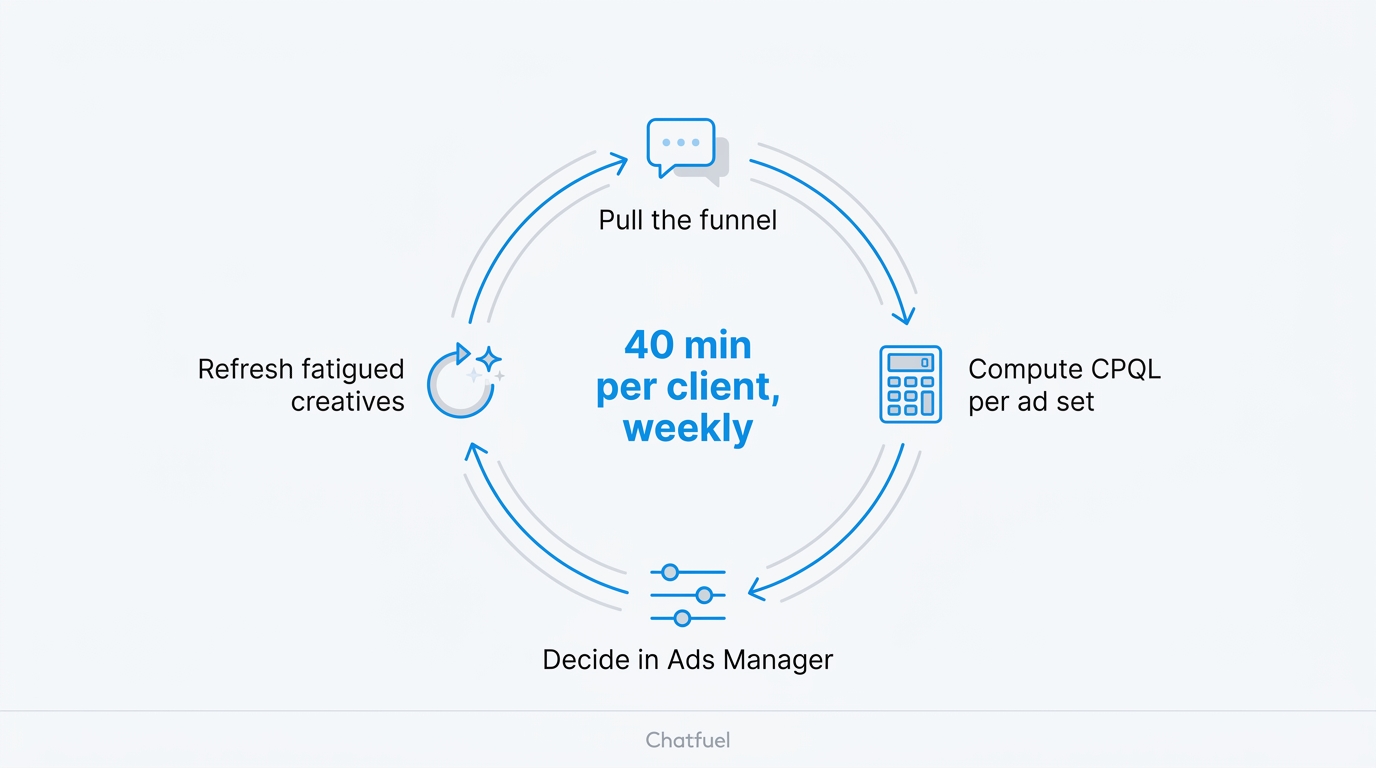
Forty minutes per client, weekly. Each pass makes the next one better — the copy learns from the objections, the budget concentrates on proven angles, and the client report starts writing itself from the decisions log.
Keep a one-line log of every change
“June 12: killed ad set C, CPQL 12 sibling; budget moved to B.” A month of these lines is the “what we did and why” section of your client report, pre-written — and the difference between an agency that tweaks and an agency that manages.
Where to next
The refresh half of the loop: new variants in minutes.
The math behind the decision metric.
When a metric drop means something’s broken, not fatigued.
Feed this week’s objections into next week’s hooks.