
WhatsApp Business API
The official rails your clients’ WhatsApp funnels run on — and how they compare to the Business App and gray tools
Every client’s WhatsApp number is wired up in one of three ways: the free WhatsApp Business App on someone’s phone, a gray unofficial tool puppeting a WhatsApp Web session, or the official WhatsApp Business API. Your ad budget flows through whichever one is in place — so before you launch a single campaign, make sure it’s the one that can’t get the number banned mid-flight.
What the API actually is
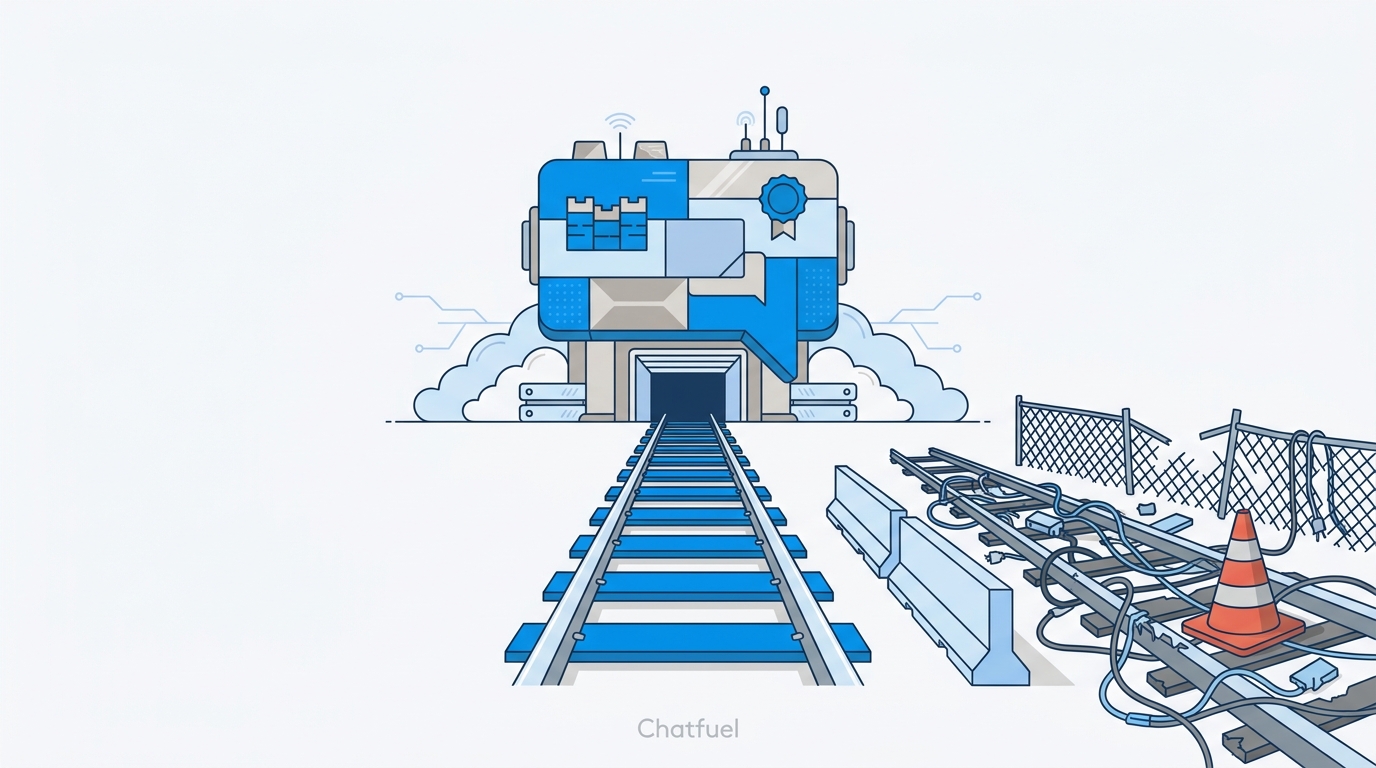
The WhatsApp Business API is Meta’s official infrastructure for business messaging at scale. There’s no app and no phone: the number lives in a WhatsApp Business Account (WABA) inside the client’s Business Manager, and messages flow through Meta’s servers.
You don’t work with the API directly — you work through an official partner platform. Chatfuel is a Meta Business Partner, and each number connects to exactly one platform at a time. That official connection is what unlocks everything the funnel is built on: AI bots that answer in seconds, a whole team in one shared inbox, qualified-lead events fired back to Meta, and follow-ups sent outside the 24-hour window.
The three ways to connect a number
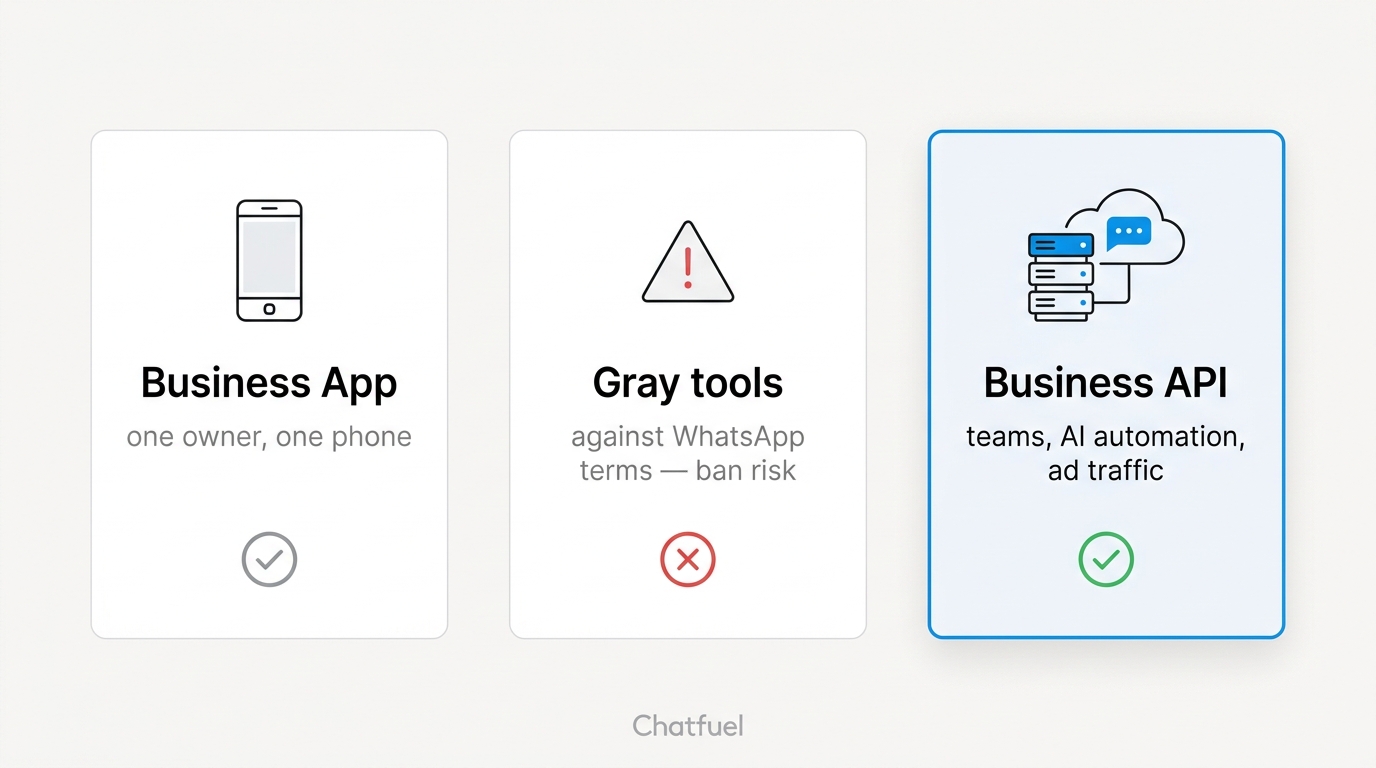
The Business App is a fine tool for the job it was designed for: a micro-business owner answering customers from their phone. It’s official and free — but it breaks exactly where an agency starts: no real automation, no signal back to Meta about which leads qualified, and every conversation trapped on one device. Pour ad traffic into it and you’re paying for chats nobody answers at 2 am.
Gray connections are third-party tools that piggyback on a regular WhatsApp or WhatsApp Web session to fake an integration. They look cheap and connect in minutes — and they put the client’s primary sales channel one detection away from disappearing. Sending automated traffic through an unofficial client violates WhatsApp’s terms of service; Meta actively detects it, and bans are often permanent, with no support channel to appeal through. For an agency the math is simple: the money saved on the tool is a rounding error next to a banned number in the middle of a paid campaign — with your name on the invoice.
The Business API is the only option built for what you’re actually doing: routing paid traffic into conversations, qualifying leads automatically, and proving results. Messaging limits scale with the client’s business verification — from 250 chats a day unverified to 1,000, 10,000, 100,000, and eventually unlimited — and template messages let you re-engage leads after the 24-hour window closes.
The checkmark question
Clients ask about this. The green badge (Official Business Account) is only available to API accounts — Business App accounts can’t get it. The blue badge is Meta Verified, a paid Meta subscription available only through the Business App. Moving to the API trades a paid checkmark for the one Meta grants on merit.
Your client doesn’t have to give up the App
The most common objection — “we’ll lose our chats” — is outdated. Meta officially supports connecting an existing Business App number to the API while the app keeps working. The client scans a QR code from Settings → Account → Business Platform in their WhatsApp Business app, and:
- The number stays exactly the same — customers notice nothing.
- Contacts and up to 6 months of chat history carry over.
- The product catalog is untouched.
- The client’s team keeps using the app as before, with Chatfuel running on top.
So the pitch isn’t “migrate away from your WhatsApp” — it’s “keep everything, add an AI sales team.”
What it costs
Answering inbound traffic is free. When a lead messages first — taps your ad, asks a question, goes through qualification — the whole conversation costs nothing, no matter how many messages the AI exchanges. Meta only charges for outbound template messages: broadcasts and re-engagement sent outside the 24-hour window. Those are billed by Meta directly, separate from the Chatfuel plan, and priced by message category and the customer’s country. For an ads funnel, that means the core flow — ad → chat → qualification — runs on the free side; you pay only when you proactively reach back out.
Agency checklist before launch
- Number linked to Business Manager. Any official third-party platform requires it — sort this out while collecting client accesses.
- Business verification submitted. It lifts the 250-chats/day cap, scales messaging limits, and cuts ban risk. Documents take hours, not weeks.
- Display name compliant. Meta reviews it — plain brand name, no “Official”, no emojis, no ALL CAPS.
Where to next
Meta’s messaging window — the one constraint every funnel designs around.
Connect the client’s number to Chatfuel step by step.
Get the client verified and unlock higher messaging limits.
The ad → bot → qualification → lead machine this API powers.