
Scripts for asking clients
Copy-paste messages that get you access without scaring the client — plus answers for “is this safe?”
Most access delays aren’t technical — they’re conversational. The client doesn’t understand what you’re asking for, half-suspects you want the keys to their business, and quietly parks your request under “deal with later.” The fix is a message that explains what you need, why it’s safe, and exactly where to click — in words a busy owner reads in thirty seconds. Here are those messages. Steal them.
Before you hit send
Three principles that make these scripts work:
- One ask per message. A message with five requests gets zero of them done. Bundle the assets into a single grant, but make it feel like one action: “add us as a partner.”
- Say why, in their outcome, not your tooling. Not “we need dataset permissions for CAPI” but “so Meta learns which leads turn into money and finds you more of them.”
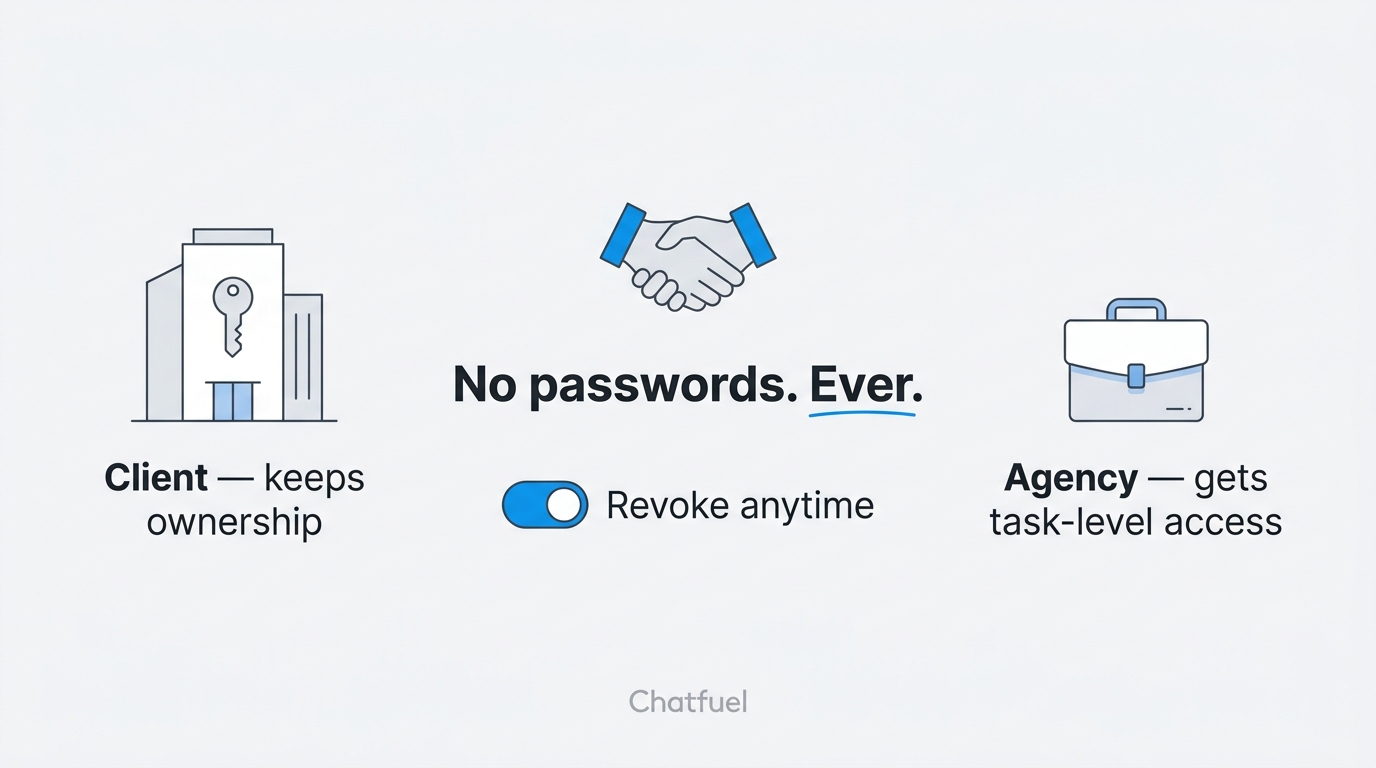
- Put safety in the first message, unprompted. “You keep full ownership and can revoke everything in one click” — said before they wonder — is the sentence that gets requests approved same-day.
Script 1 — the access request (client has a Business Portfolio)
Send after the contract is signed, along with your Business Portfolio ID:
Then send the request from your Business Settings (Route B — the client only clicks Approve). If the client prefers to do it from their side, forward Script 2.
Script 2 — click-by-click instructions (forward as-is)
For the client who says “just tell me where to click”:
Fill in the exact asset names before sending — “which ad account?” is the #1 place this stalls.
Script 3 — the client has no Business Manager
For the “we don’t have any of that” client. The goal: make it a plan, not a problem.
Then follow the from-scratch guide on that call.
Script 4 — the follow-up
Three days of silence usually means confusion, not refusal. Shrink the ask:
The screen-share offer isn’t just a courtesy — for connecting WhatsApp and Instagram to Chatfuel you’ll likely want that call anyway, since those authorizations happen from the client’s own login.
”Is this safe?” — the objection handling
The questions behind the hesitation, and answers that close them:
“Why do you need this much access?” “We only asked for task-level permissions on the specific assets we work on — ads, page, pixel. We deliberately did not ask for Full control of your portfolio. You can see the exact list in Business Settings → Partners, next to our name.”
“Can’t I just give you my login?” “Please don’t — sharing logins is against Meta’s rules and often triggers a security lock on your account, which can freeze your ads for days. Partner access exists exactly so you never have to share a password.”
“What happens if we stop working together?” “You go to Business Settings → Partners and remove us. One click. Everything — the page, the ad account, the audiences, the WhatsApp number and its chat history — stays with you, because it was yours the whole time.”
“Can you see my personal Facebook?” “No. Partner access connects business to business. We see the business assets you assigned — nothing about your personal profile, messages, or friends.”
“Why does connecting WhatsApp need Full control?” “That one’s Meta’s requirement for the connection step, not ours — the account that authorizes a WhatsApp connection must have full control of your portfolio. Easiest way: we do it together on a 15-minute call where you stay logged in and click. Alternatively, you can add one named person from our team with that access and remove them right after — your call.”
Where to next
The full checklist these scripts are built around.
What happens on both sides after the client says yes.
The from-scratch build that Script 3 promises.
Access collected — set up their home in Chatfuel.