
Agency → clients model: how client companies are structured
Agency → clients model: how client companies are structured
One client, one company — the workspace structure that keeps ten clients from ever becoming one mess
You’re about to run funnels for more than one business at a time. Different WhatsApp numbers, different ad accounts, different sales teams, different budgets — and one Chatfuel login on your side. The structure that makes this work is simple, and getting it right on day one saves you from an untangling project six months in: every client gets their own company inside your agency’s workspace.
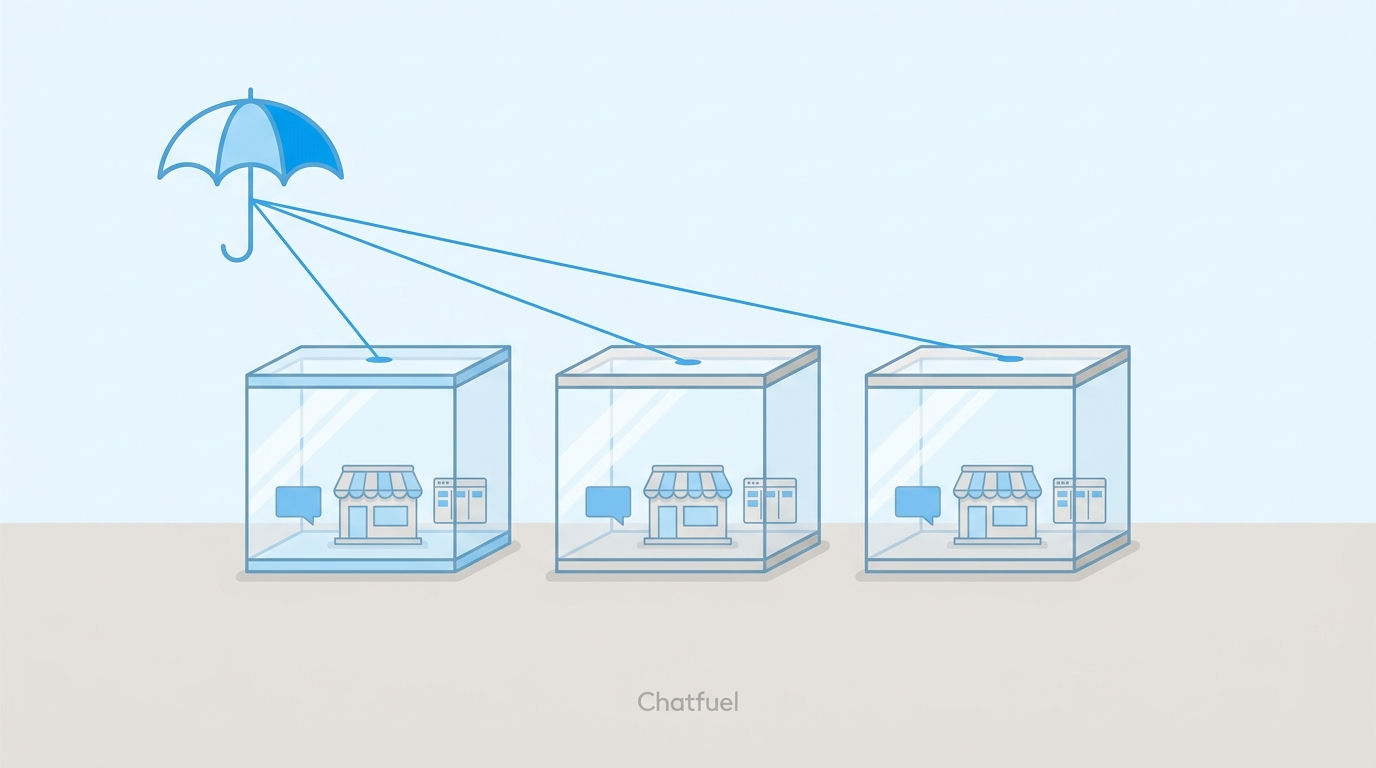
One client = one company
Your agency has a single Chatfuel workspace — that’s yours, with your subscription and your team at the top. Inside it, each client lives in their own company: a fully sealed unit with its own bots, its own connected channels, its own contacts and conversations, its own settings and team. Nothing crosses over. Client A’s leads never appear in client B’s pipeline, a change to one client’s AI never touches another’s, and when a client’s staff logs in, all they can see is their own business.
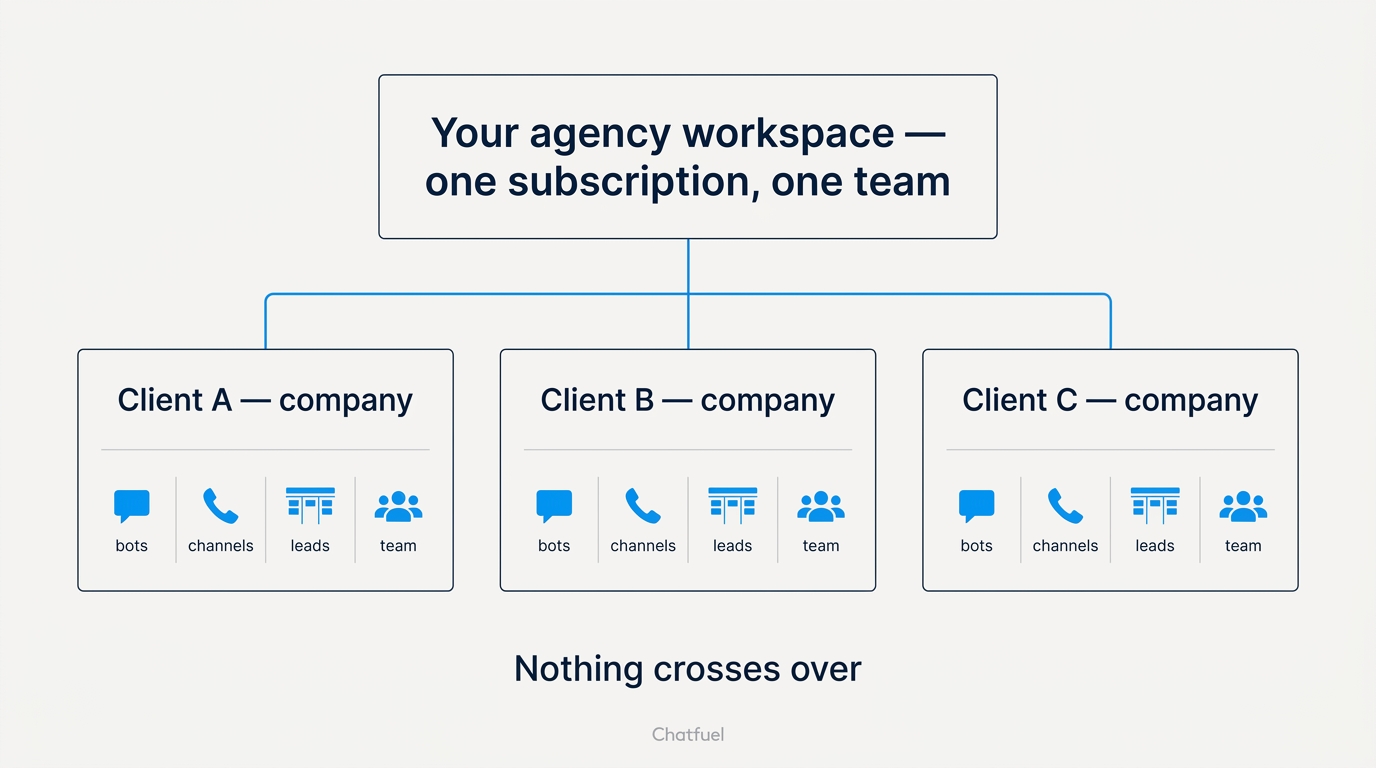
You create as many companies as you have clients — there’s no cap — and switch between them in two clicks:
- Click your avatar in the navigation menu.
- Open My Companies — every client company in your workspace, in one list.
- Pick a company, and the whole dashboard switches to it: that client’s bots, chats, leads, and settings.

Creating a new one is the same path: My Companies → Create New Company. It appears in the list instantly, empty and ready for the client’s channels.
Billing: your clients never see it
Here’s the part that makes this an agency product rather than ten separate subscriptions: billing lives at the agency level, not per client.
Chatfuel offers agencies two plans — one covering a few client bots, and one with unlimited bots for agencies running a larger book of clients. On both, usage limits are shared across your whole workspace rather than metered per company, so a quiet client’s unused capacity absorbs a busy client’s spike.
What that means in practice:
- You pay Chatfuel once, centrally. One subscription, one invoice, on your agency’s card.
- Clients never see the billing. There’s no price tag inside their company and no payment step on their side — the platform cost is invisible to them.
- You charge your clients yourself. The bot is your service and it’s priced how you price it: inside the retainer, as a setup fee plus monthly, at whatever markup your market bears. Chatfuel has no stake in that number.
For current plan details and prices, see Subscription.
Teams: your people everywhere, their people in one place
Access follows the same one-client-one-company logic. Teammates are invited per company, so you decide who exists where:
- Your core team — the account lead, the person who builds the bots — gets invited into every client company they work on.
- The client’s people — their sales reps, their support — get invited into their company only, with a role that lets them work leads and chats without touching the automation.
When a teammate leaves your agency, you remove them company by company; when a client’s employee leaves, it never concerned your other clients in the first place. The roles themselves — who can edit the bot, who can only work the pipeline — are covered in Roles & access for the agency team.
The rhythm this sets up
Onboarding a new client becomes a repeatable checklist rather than a decision: create the company, get access to their Meta assets, connect their channels, invite their team, launch. Ten clients later, your My Companies list reads like your client roster — and every one of them is one click away.
Where to next
The onboarding step-by-step: spin up the company for your first client.
Who gets Admin, who gets Agent — and how to add the client’s own staff safely.
The Meta access checklist that fills the new company with the client’s assets.
Current agency plans, limits, and prices.